Download Privatepdf
translator
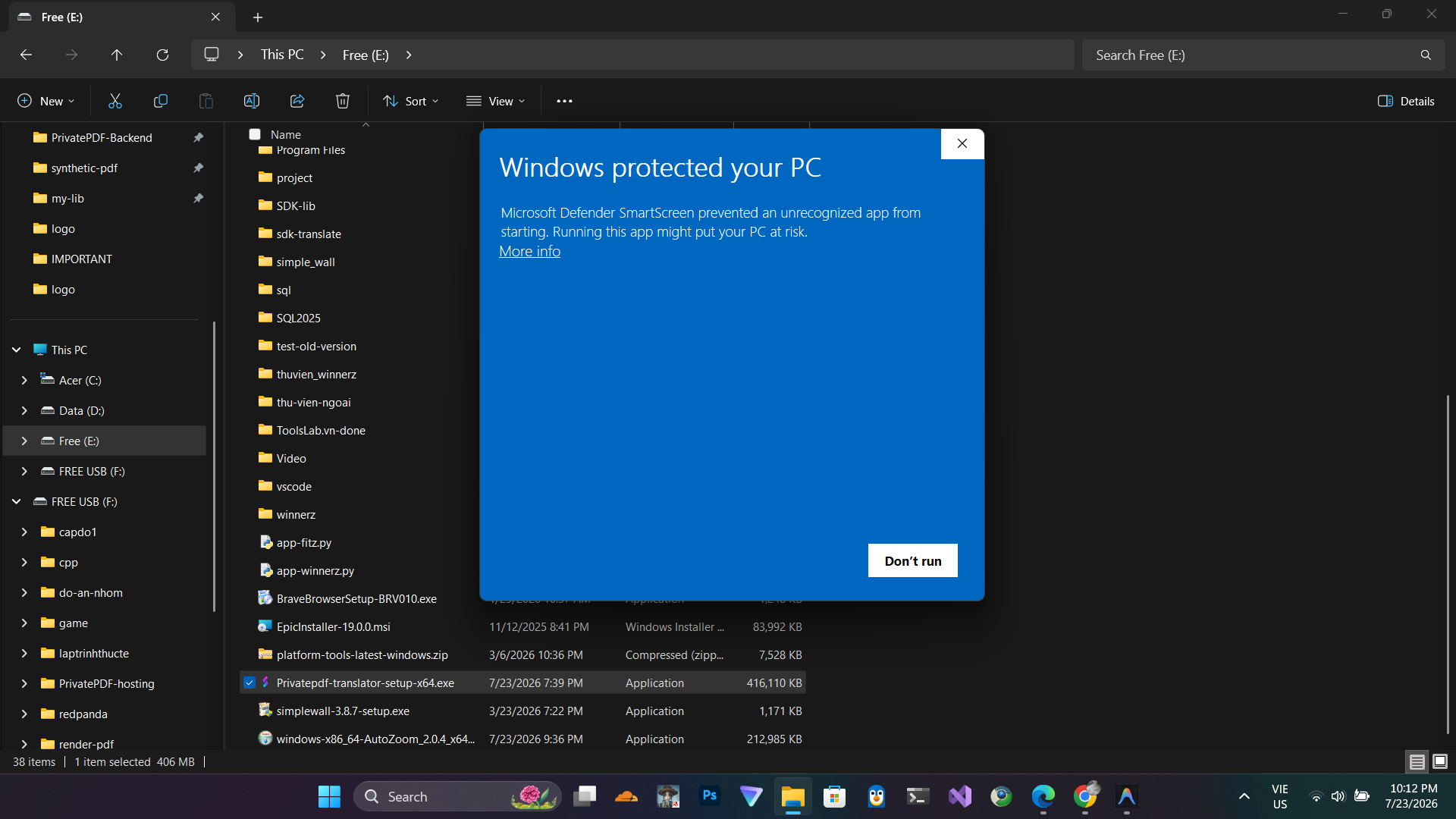
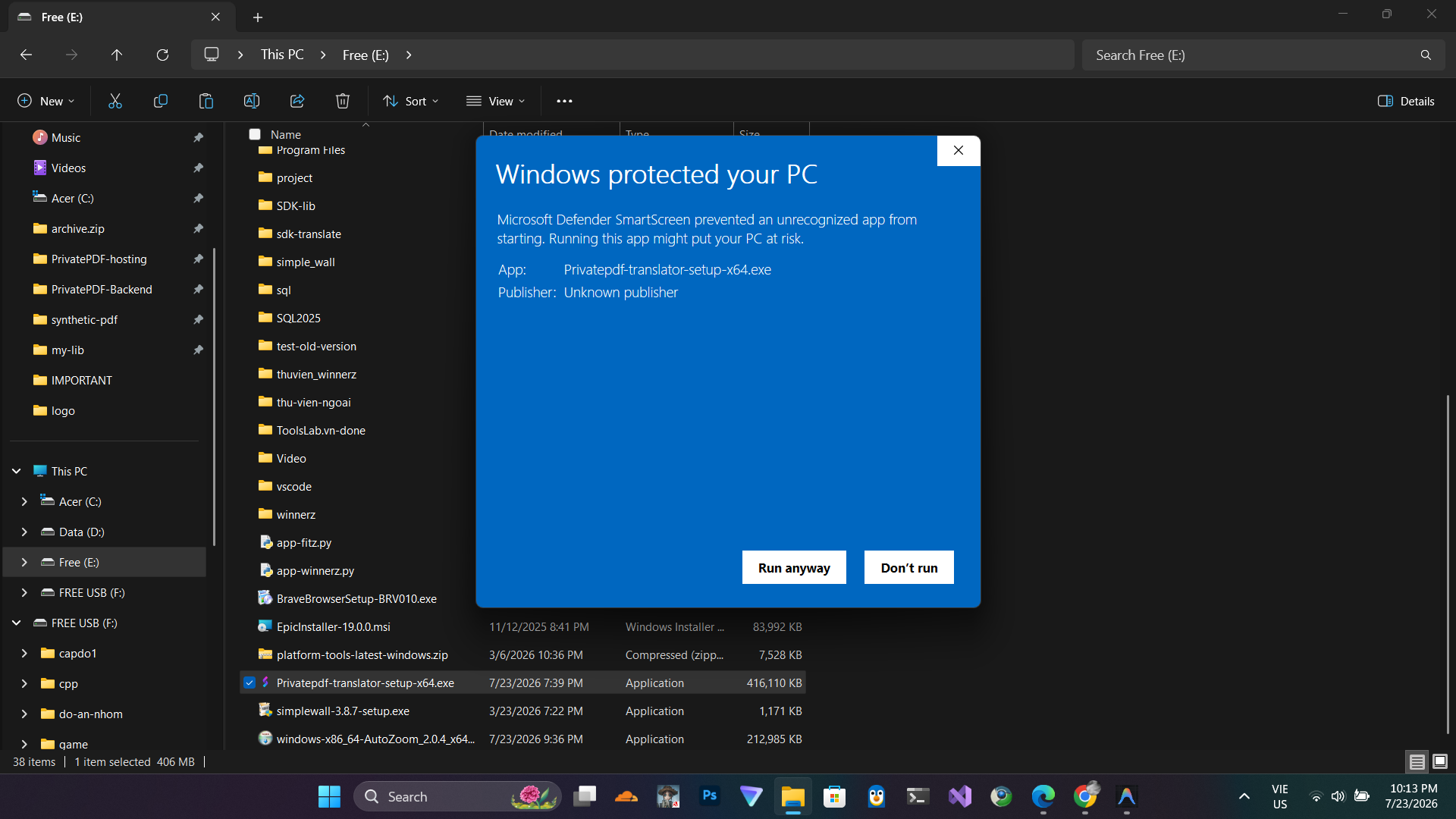
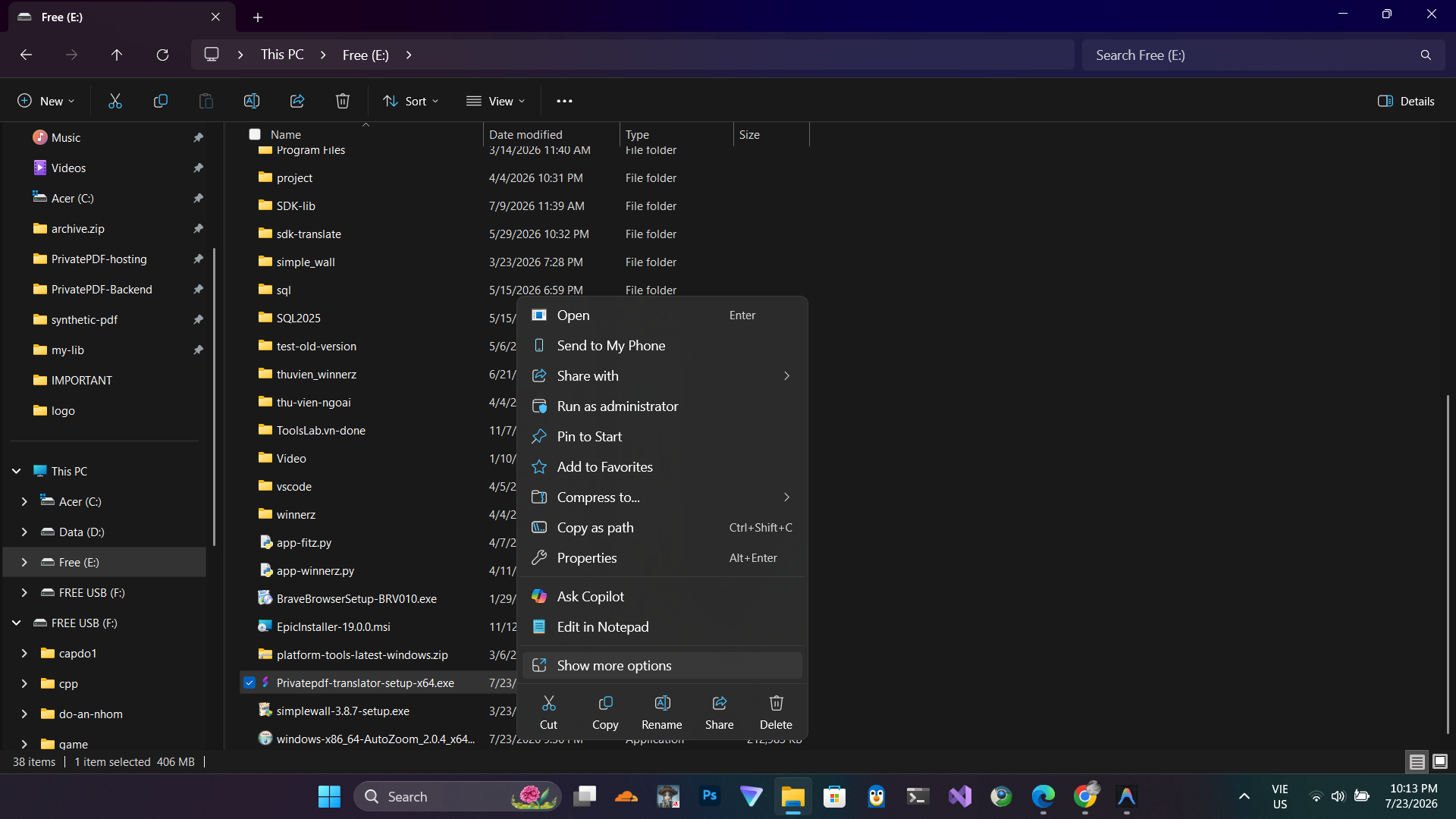
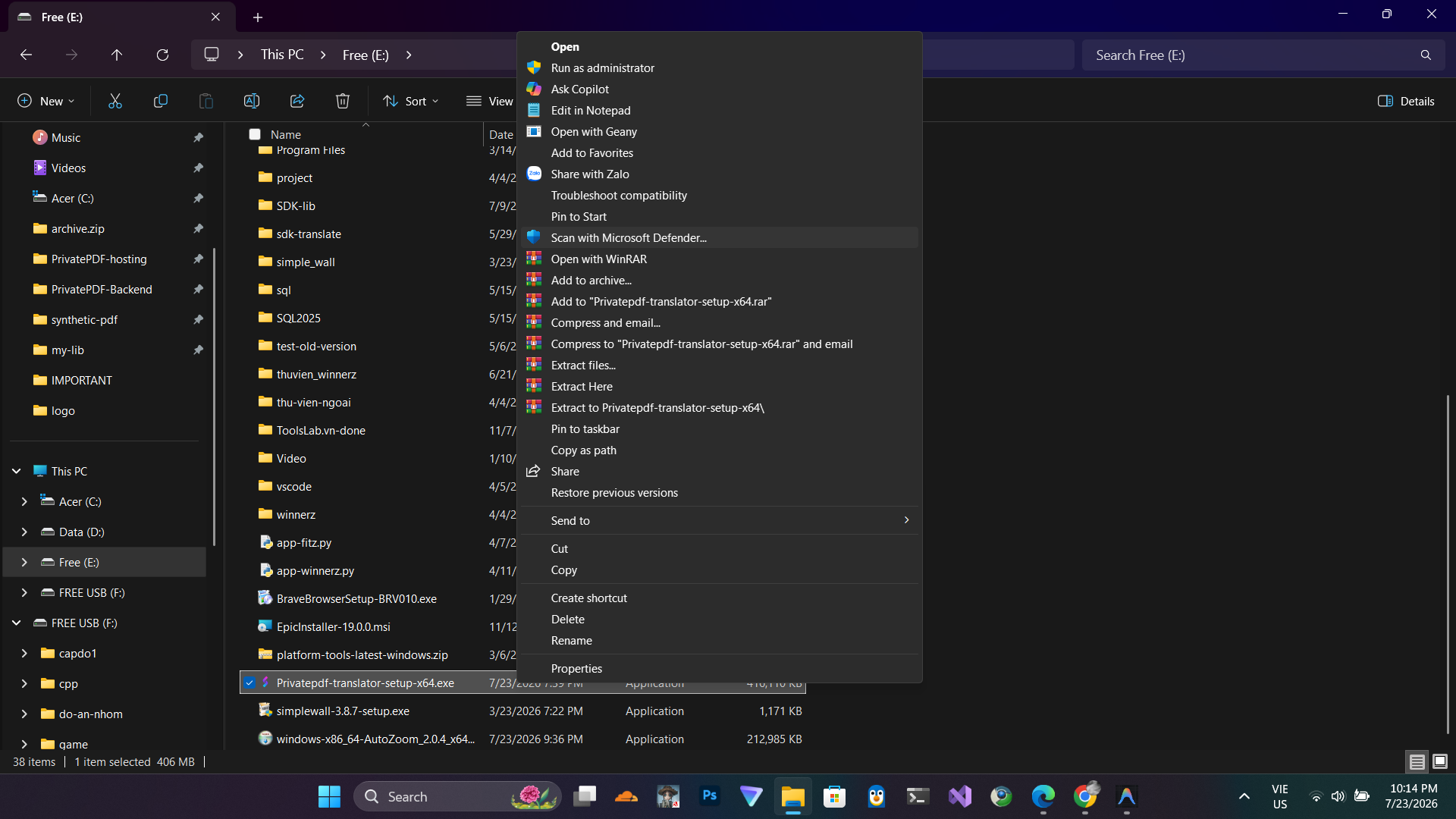
This is an indie-developed application. Since it does not yet have an expensive enterprise code-signing
certificate, Windows SmartScreen and macOS Gatekeeper may display security warnings. The application's
interface is fully open source, and you are welcome to audit the source code here.
 macOS
macOS
Minimum Requirements
macOS versions with Apple security update support. This is typically the latest and the previous two versions.
 Windows
 Linux
Linux
Minimum Requirements
glibc >= 2.28, libstdc++ >= 3.4.25 (e.g. Ubuntu 20, Debian 10...)